Best Free Tools For Project Formatting
Writing a strong academic project involves more than conducting research and presenting findings. The final document must also follow appropriate formatting standards so that its structure, headings, spacing, pagination, tables, references, and other elements are presented consistently. For students, especially those preparing final-year projects and Higher National Diploma (HND) research, formatting can become a time-consuming part of the writing process when it is done manually.
Academic writing guidelines commonly emphasize consistency in document structure, citation, headings, page numbering, references, and presentation because these elements make research easier to read, assess, and navigate. In practice, however, many students struggle with tasks such as creating an automatic table of contents, maintaining consistent heading styles, formatting references, inserting page numbers correctly, and managing long documents.
The good news is that several free tools for project formatting can simplify these tasks. Word processors, reference-management applications, grammar and writing assistants, PDF tools, and other productivity platforms can help students reduce repetitive formatting work and produce more organized academic documents. When used alongside their institution’s project guidelines and their supervisor’s instructions, these tools can make the formatting stage more efficient and less stressful.
Best Free Tools For Project Formatting
When it comes to academic projects, doing the research is only part of the job. Students also have to make sure the final document follows the formatting requirements set by their institution or department. Things like margins, line spacing, headings, page numbers, tables of contents, references, and page breaks may seem minor, but getting them wrong can make an otherwise good project look poorly prepared.
Fortunately, students do not always need expensive software to handle these tasks. A number of free or freely available tools provide useful features for creating, editing, organizing, and preparing academic documents. The important thing is to use these tools as aids while still following the specific formatting guidelines provided by your polytechnic, university, department, or project supervisor.
Google Docs
Google Docs is one of the most accessible options for students because it works through a web browser and supports cloud-based document storage. Students can use it to adjust margins, line spacing, headings, page numbers, tables, and other basic formatting features. Its collaboration function is also useful when students are working with supervisors or group members because multiple people can review and edit a document without having to exchange different versions of the file.
Another practical advantage is automatic saving. Because documents are stored online, a student can continue working from different devices as long as they have access to their Google account and an internet connection.
WPS Office Writer
For students who prefer a traditional word-processing interface, WPS Office Writer provides many familiar document-editing features. It can be useful for formatting headings, page numbers, tables, paragraphs, and references, as well as exporting documents to PDF.
Its desktop and mobile availability can also make it convenient for students who move between computers and smartphones. However, students should check which features are available under the free version before relying on a particular function.
LibreOffice Writer
LibreOffice Writer is another strong option, particularly for students who need an offline tool. As an open-source office suite, LibreOffice provides advanced word-processing features without requiring a paid Microsoft Office subscription.
For longer academic documents, Writer supports styles, headings, page breaks, tables of contents, footnotes, references, and other features that can help students maintain consistency throughout a project. Using styles rather than manually changing every heading is especially useful when preparing lengthy research work.
PDF Tools
Once a project has been completed, students often need to convert the document into PDF format before submission or printing. PDF editing and conversion tools can help with tasks such as combining separate chapters, checking page order, and making limited corrections.
However, students should be careful when editing a finished PDF. It is usually better to make major formatting changes in the original Word-processing document and then generate a fresh PDF. This reduces the possibility of inconsistent fonts, spacing, or page layouts.
jjhh
Pandoc
For students with technical or research-oriented backgrounds, Pandoc offers a different approach to document preparation. It is a document-conversion tool that can transform content between numerous formats, including Markdown, HTML, DOCX, and PDF-related workflows.
Pandoc may be particularly useful for students who work with structured documents, technical reports, or reproducible research. It is more technical than ordinary word processors, so beginners may need some time to learn how its conversion system works.
READ THIS ARTICLE:Project Work Template For Polytechnic Students
Template-Based Design Tools
Template platforms can also help students create visually organized supporting materials, presentations, diagrams, and other project-related content. However, students should distinguish between academic document formatting and graphic design. A research project should follow the institution’s prescribed academic format rather than using decorative layouts simply because they look attractive.
The Most Important Rule: Follow Your Institution’s Guidelines
Free formatting tools can make project preparation easier, but no software should replace your institution’s official project guidelines. Different departments may specify different requirements for font type and size, margins, line spacing, chapter arrangement, referencing style, pagination, tables, figures, and preliminary pages.
Before final submission, students should therefore compare their document with the official project template or instructions provided by their department and supervisor. It is also wise to review the table of contents, headings, page numbering, citations, references, tables, figures, and appendices before printing or submitting the final copy.
Ultimately, good formatting is about more than making a project look attractive. Consistent formatting improves readability, makes information easier to locate, and presents the research in a more organized manner. With the right free project formatting tools and careful attention to institutional requirements, students can spend less time fighting with document formatting and more time improving the quality of their actual research.
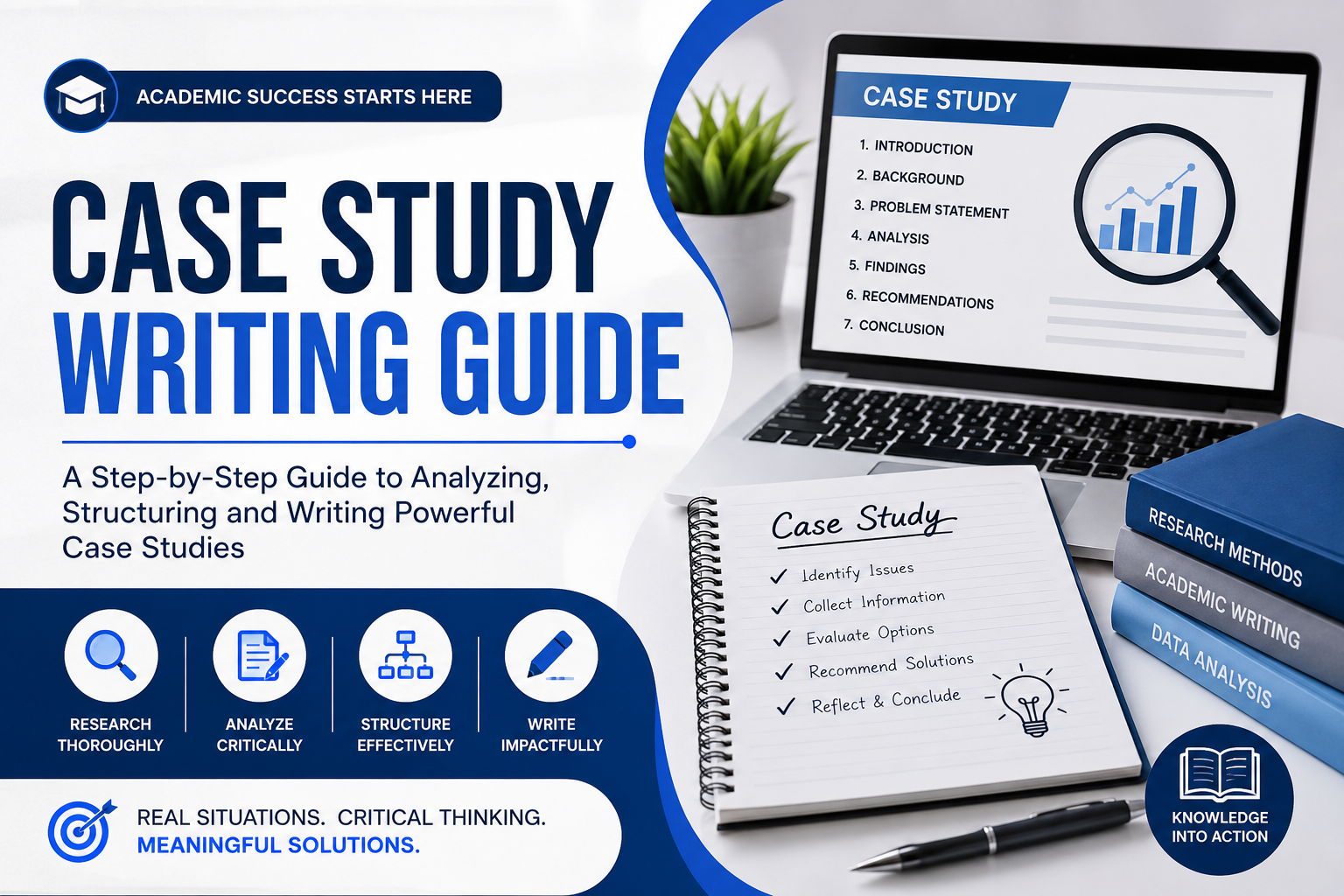
Case Study Writing Guide
Common Mistakes Students Make In Project Introductions And How To Avoid Them
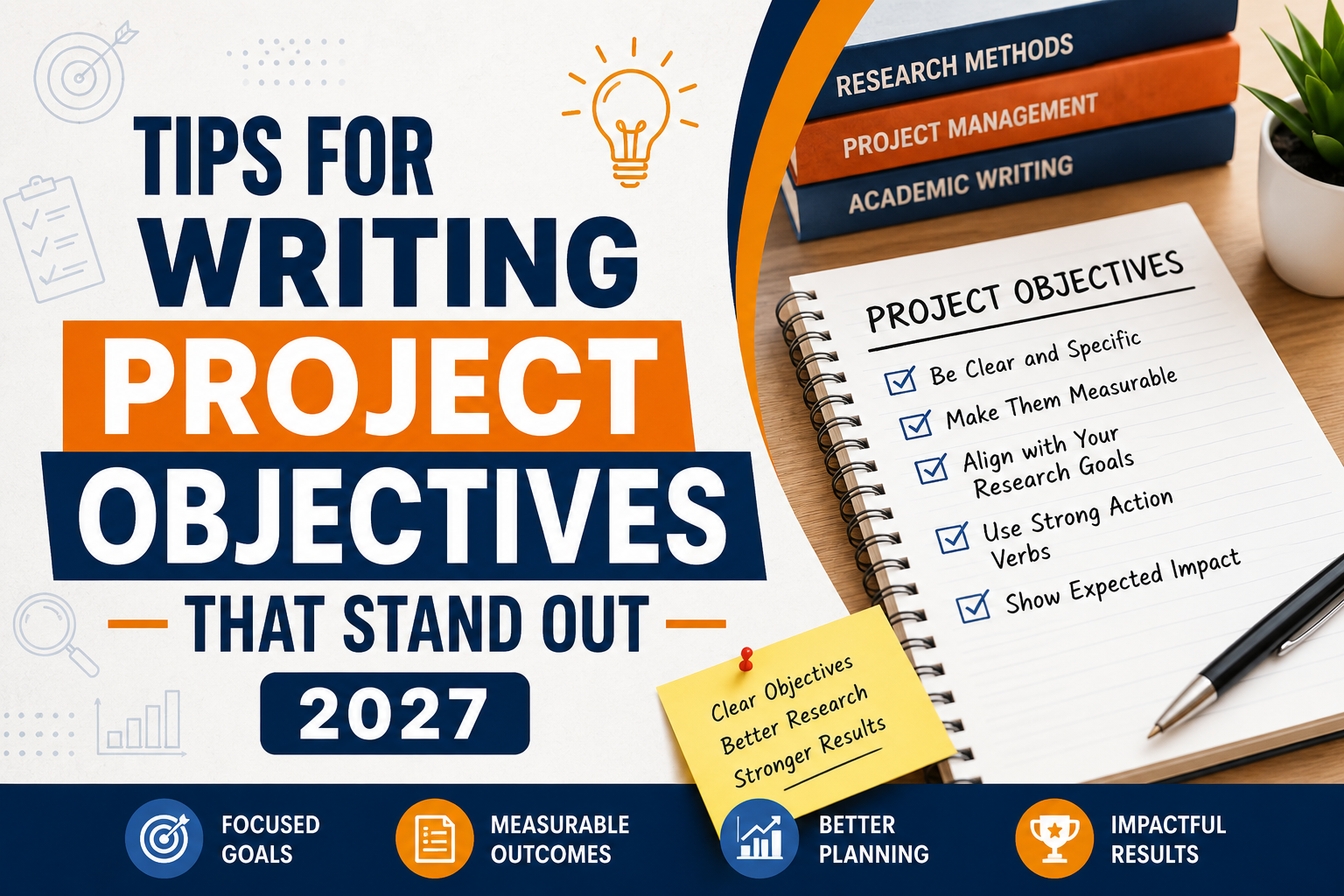
Tips For Writing Project Objectives That Stand Out 2027
About Author
